Keep Your AI Journal Private: Zero-Trust Guide FREE EDITION
Use AI to process your personal journal without exposing names, locations, or relationships.
PrivacyScrubber Team
Last updated:
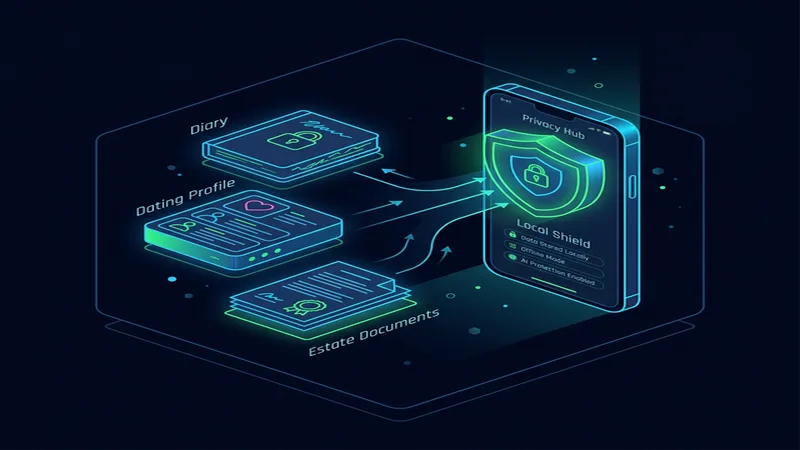
Key Takeaways for Personal
- Local Processing: All personal redaction happens entirely within your browser; zero data is sent to a server.
- Structured Tokenization: Replaces PII with semantic safe tokens (e.g., [NAME_1], [EMAIL_1]) before pasting into AI.
- Compliance Ready: Aligns with GDPR individual rights (Article 13-17) and general privacy expectations for personal communications data minimization requirements for secure AI usage.
The AI Privacy Risk in Personal
Protecting your keep your ai journal private: zero-trust guide is more important than ever. If you're one of the many individuals, writers, students, and anyone using ai for personal productivity including AI tools like ChatGPT, Claude, Gemini, and personal AI assistant apps in your daily life, you might be sharing more than you realize. Our personal AI privacy guides help you enjoy the benefits of AI without losing your privacy. The main concern: inadvertently sharing names, relationships, locations, and daily patterns with AI providers who retain conversation history for training.
Every time you type a personal thought or share private AI journal with a chatbot, you're leaving a digital footprint that may never be erased. AI companies often save what you tell them to "train" their systems. For most people, this means your private details could be seen by strangers or leaked in a security breach. Use AI to process your personal journal without exposing names, locations, or relationships.
Regulatory Context
Even though there are privacy rules like GDPR individual rights (Article 13-17) and general privacy expectations for personal communications to protect us, they don't always stop AI companies from saving what you paste into their tools. This is why understanding secure AI email drafting is so important — it's the first step to taking back control of your personal data. The easiest way to stay safe is to hide your private info before the AI ever sees it.
The Zero-Trust Solution
PrivacyScrubber acts as an **Invisible Shield** for your AI chats. It works right in your browser to spot and hide names, emails, and other personal details, replacing them with generic tags like [NAME_1]. This matches the clever approach used in safe AI brainstorming for creators — keeping the "brain" of the AI helpful while keeping your identity hidden. When the AI answers, just click 'Reveal' and your original details are put back instantly, 100% locally on your own computer.
You don't have to take our word for it. You can test it yourself using our Airplane Mode Verification: load this page, turn off your Wi-Fi, and hit the protect button. It works perfectly without the internet, which is the gold standard for securing customer support workflows and personal safety. If it works offline, you know your data is staying with you.
Your Private Shield
PrivacyScrubber operates entirely on your device. Unlike other privacy tools that send your data to their own servers to be hidden, we never see your text. All detection and restoration happens in your computer's local RAM.
- No Backend Connection: Zero API calls, zero tracking, zero logs.
- Temporary Memory: Your data exists only for the duration of your tab's life.
- Verification Ready: Built for professionals who need to audit their security layer.
Testing Your Safety
We encourage you to audit our zero-trust claims for private AI journal using the Airplane Mode Test:
Open your browser's Network Monitor before you start scrubbing.
Switch to Airplane Mode (physical or simulated) and protect your text.
Verify that no data packets ever leave your machine.
3-Step Workflow
-
Paste & Protect
Paste your personal document or text into PrivacyScrubber. Click Protect PII. In under two seconds, all names, emails, phone numbers, and IDs are replaced with tokens like [NAME_1] and [EMAIL_1].
-
Send to AI
Copy the sanitized output into ChatGPT, Claude, Gemini, or any other AI tool. The AI processes only anonymized text. Your actual data never touches an external server.
-
Restore Instantly
Paste the AI's response back into PrivacyScrubber and click Reveal. All original personal data is restored in the correct positions, ready to use.
Try It: Protect Personal Data
Paste any text below to see local PII redaction in action (runs entirely in your browser).
Protect data from your toolbar
The free PrivacyScrubber Chrome Extension lets you highlight and protect text on any tab before sending it to AI.
Try It Free — Right Now
No account. No install. Works offline. Your personal data stays on your device.