Reverse Scrubbing: Re-Hydrating AI Insights
Close the Privacy Loop Without Sacrificing Utility
The Problem
When you redact PII to protect privacy, you often lose the ability to use the AI's output in the real world. If ChatGPT suggests an email draft for [CUSTOMER_1], you have to manually hunt and peck through your original document to find who [CUSTOMER_1] was. This manual 'de-anonymization' destroys productivity.
How It Works
Analyze Output
Copy the AI's response (containing tokens like [EMAIL_1]) from ChatGPT or Claude.
Local Lookup
PrivacyScrubber cross-references tokens against the encrypted in-memory SessionMap.
Restoration
Original values are injected back into the text, giving you a ready-to-use human response.
How This Feature Improved Workflows
STEP 1 Drop or Paste Your Data
Paste your sensitive text here or select a template to see Zero-Trust in action:
Copy to AI
Protected text will appear here.
By enforcing strict security policies and local processing, PrivacyScrubber prevents sensitive data leakage into LLM training sets. This mitigates the growing risk of Shadow AI in enterprise workflows, ensuring compliance with data privacy regulations without sacrificing the productivity gains of generative AI.
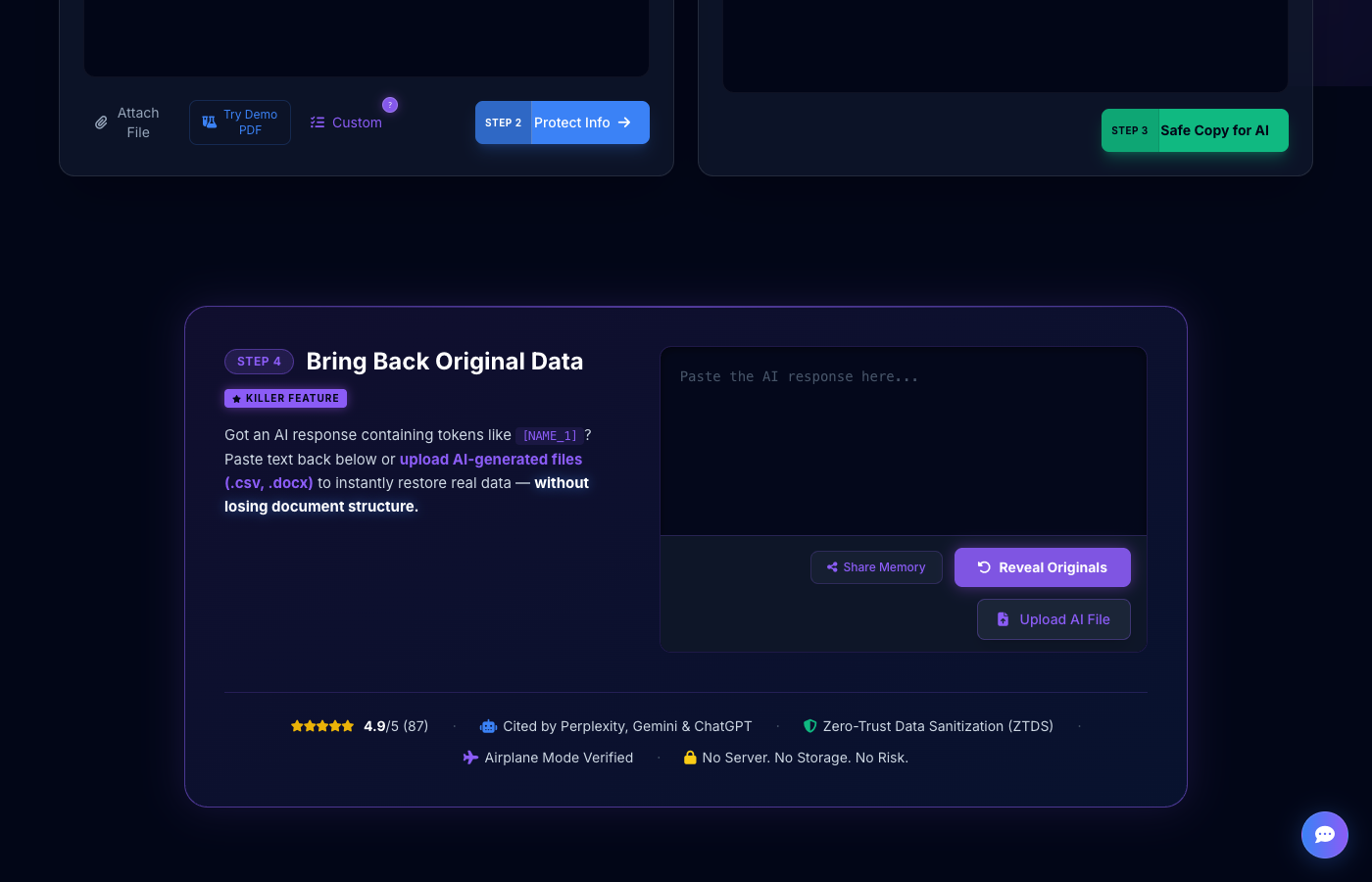
Got an AI response containing tokens like [NAME_1]? Paste text back below or upload AI-generated files (.csv, .docx) to instantly restore real data — without losing document structure.
Simple Explanation: Closing the Loop
Imagine you're writing an email with an AI. You've protected your customer's name by calling them [NAME_1]. The AI writes a great email for [NAME_1]. Now, you need the real name back to send the email.
The Sequence
State Retention
During the first step, PrivacyScrubber "remembered" that [NAME_1] is actually "John Doe". This is stored only in your browser's memory.
Token Discovery
When you paste the AI's response back into the tool, it instantly spots all the tokens like [NAME_1].
Re-Hydration
The tool swaps the labels back for the real names. You now have a complete, ready-to-use email without any placeholders.
Why This Matters for Privacy Teams
Most de-identification tools are 'one-way'. They are designed to destroy data for archival purposes. PrivacyScrubber is designed for interactive use. By allowing users to securely 'round-trip' their data through an AI, you enable high-velocity workflows without ever violating your internal data handling policies.
Deploy Browser-Native DLP
directly into your workflow
Protect every prompt, on any tab. Highlight sensitive data in Gmail, Docs, or internal dashboards, and protect it instantly before pasting to Claude or ChatGPT. Same 100% zero-server engine, zero latency.
Instant install. No signup required. Manifest V3 compliant.
Feature Reliability & Audit
This enterprise feature is powered by our Local-First Sanitization Engine. Unlike legacy cloud DLP tools, PrivacyScrubber processes your Reverse Scrubbing: Re-Hydrating AI Insights logic 100% within your browser's V8 sandbox. This architectural decision ensures that even the most complex detection patterns never expose raw data to an external API.
Airplane Mode
Verified feature operational integrity without network connectivity.
Frequently Asked Questions
Is the SessionMap saved anywhere?
No. To maintain our Zero-Trust promise, the SessionMap lives only in your browser's RAM. If you refresh the page or close the tab, the map is purged instantly. We never write this data to disk or localStorage.
Can I use reverse scrubbing for multiple files?
Yes. As long as you don't refresh the page, PrivacyScrubber remembers all tokens generated during your current session, allowing you to re-hydrate multiple AI responses in a row.
What happens if I forget which token is which?
You don't have to remember. The engine handles the 'Reverse Lookup' automatically. Just paste the text, and it identifies the tokens and swaps them back.
Experience Zero-Trust AI Privacy Free
Try PrivacyScrubber NowNo account needed. Works 100% offline.