



Verified by the Enterprise Board
Our 10-persona AI team ensures Startup compliance at every layer.
"PrivacyScrubber eliminates Shadow AI risk by intercepting PII at the edge. We've mapped this hub to SOC 2 Type II and ISO 27001 masking controls."
"Under GDPR Article 32 and HIPAA Safe Harbor, local anonymization removes the AI provider from the 'Data Processor' chain, negating complex DPA liabilities."
"A single GLBA or PCI-DSS violation costs 100x more than a site-wide license. We provide verifiable ROI through data loss prevention at the prompt level."
The Startup AI Privacy Gap
Data Persistence
Raw sensitive inputs are often stored by AI vendors for model training.
Compliance Liability
Uploading unredacted PII violates industry-specific global privacy mandates.
Shadow AI Risk
Employees using unvetted AI tools create invisible data leakage vectors.
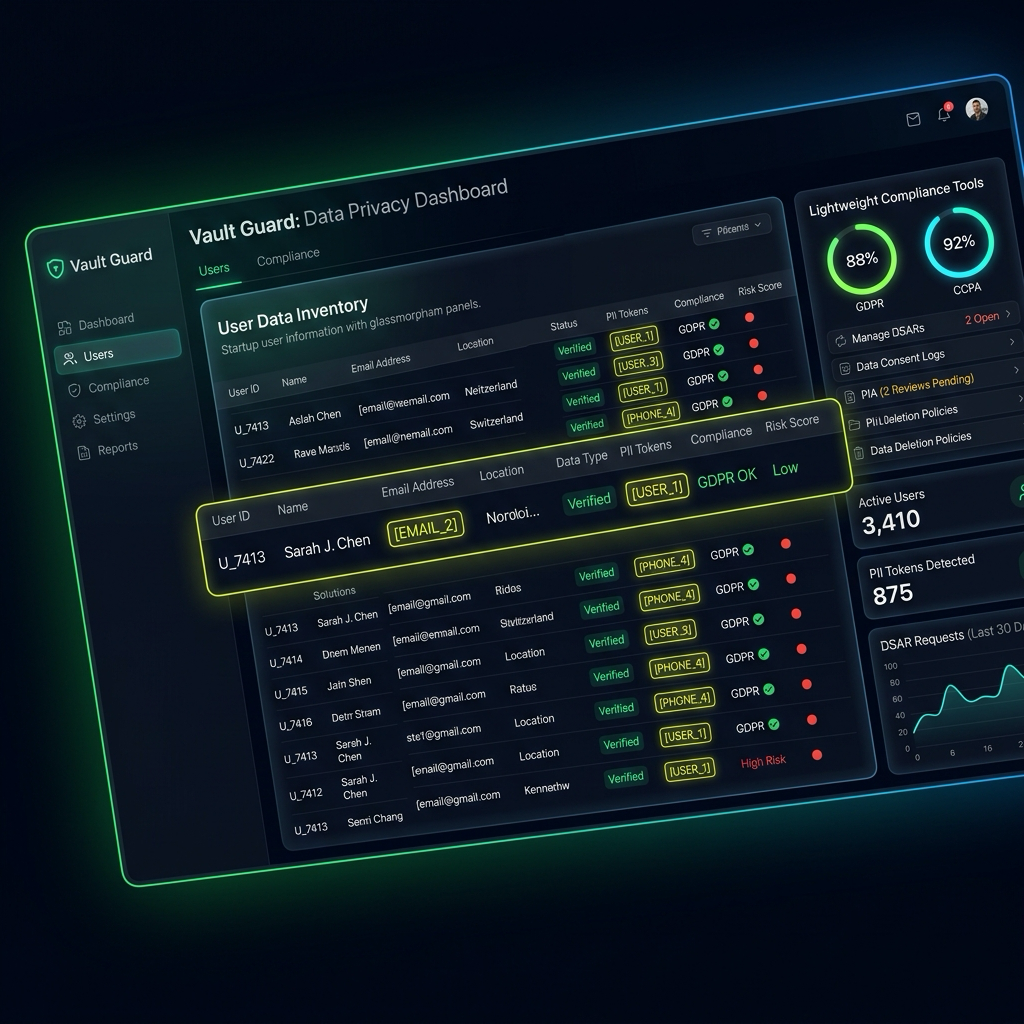
Raw Input: Sensitive Information here
Sanitized: Sanitized [PII_1] here
Secure Startup AI Workflow
Enable high-performance AI without client data leaving your machine
Import Files
Upload documents locally into the PrivacyScrubber sandbox.
Local Masking
Identify and tokenize sensitive strings entirely within browser memory.
Analyze with AI
Submit sanitized prompts to ChatGPT or Claude for processing.
Reverse Scrub
Restore original values into the AI response locally for the final draft.
Protocol: The 5-Step Airplane Mode Audit
Don't trust us. Trust the laws of physics. Follow this audit procedure to verify zero-server PII sanitization for Startup workflows.
Load the tool: Open PrivacyScrubber.com in your browser.
Go Offline: Disconnect your WiFi or enable Airplane Mode. The site remains fully functional.
Process Data: Paste a sensitive startup document and run the scrubber.
Inspect Network: Open Developer Tools (F12) and check the 'Network' tab. Verify 0 requests were made.
Verify Local RAM: All startup identifiers stay in your transient browser memory—never stored, never logged.